A growing law firm along Route 66 in Catoosa might keep closed client folders in the back office for years before the boxes start spilling into hallways and break rooms. They hold tax filings, payroll registers, personnel files, and executed commercial contracts.
If you run an expanding business in Rogers County, managing physical paper records can turn into a square footage problem. Boxes take up space better suited to billable staff and equipment. That’s when business document storage in Catoosa, OK, comes into the picture. There’s no need to stash your archives in an unconditioned back room or basement, where paper degrades with seasonal temperature swings.
What moisture and fire protection do archived business records need? If your team has asked that question, the practical answer starts with a climate-controlled unit and a few good habits, covered below. One caution up front: a self-storage unit isn’t a fire-rated vault, so keep irreplaceable originals in a fire-rated safe or cabinet where appropriate, and keep digital backups of anything you can’t afford to lose.
Environmental Hazards Threatening Physical Records in Oklahoma
Paper is an organic material made of cellulose fibers. Those fibers can break down when exposed to unstable humidity, high heat, pests, or airborne moisture. The climate in northeastern Oklahoma poses real challenges for local businesses, which means keeping records at the office for the long term can be difficult.
Moving financial files into storage near the Port of Catoosa reduces your exposure to several problems:
High Relative Humidity and Mold Growth
Oklahoma summers often push relative humidity above 60 percent. Paper is hygroscopic, which means it absorbs water vapor straight from the surrounding air. Excess moisture softens paper fibers, so sheets may swell or warp, ink may bleed, and pages may stick together.
When humidity stays high for an extended time, dormant mold spores that are normally present on paper and cardboard can start to germinate. Mold feeds on cellulose fibers and organic box glues, staining paper and breaking it down structurally. Documents kept in a non-climate-controlled environment can be ruined this way.
Thermal Breakdown and Heat Acceleration
Unconditioned storage units can climb well above 100°F on July and August afternoons. When paper is exposed to elevated temperatures for a long time, its natural moisture content leaves. It becomes brittle, may yellow, and becomes prone to cracking and tearing.
Heat also affects thermal paper, such as legacy fax printouts and receipts, which can darken or fade until the accounting data on them is unreadable. Carbonless copies can discolor too.
Condensation Cycles During Seasonal Transitions
When outdoor temperatures swing rapidly in spring and autumn, condensation can form inside an office building with poor insulation. Moisture-laden air meets concrete slab floors or exterior walls and forms liquid droplets. That condensation soaks into the bottoms or sides of stacked cardboard boxes, and fungus can grow on the boxes and spread to the documents.
Pest Infestations and Biological Waste
Starch and bookbinding glues attract silverfish. Booklice and cockroaches are also drawn to these materials, especially cardboard packaging, as a food source. Pests chew paper edges and folder covers to get at organic adhesives. Rodents are not far behind, shredding paper to build nests. Infestations are also a biohazard risk for employees who handle the affected files.
Fire Risks in High-Density Storage
Densely stacked cardboard boxes full of dry paper create a large fuel load. Archives kept near electrical distribution panels or utility spaces add a particularly dangerous hazard. A localized short circuit could destroy decades of irreplaceable corporate records, tax history, and client files in a matter of minutes.
Retention Guidelines Across Key Business Records
Document storage doesn’t happen in a vacuum. Retention practices are governed by federal regulations and state law, so consult qualified legal counsel or a CPA to build a retention policy suited to your industry. Law firms should also check their state bar’s rules on client file retention and confidentiality before moving files offsite. A few basics follow for reference:
- Tax and accounting: Internal Revenue Service (IRS) guidance generally expects businesses to keep tax returns and supporting documents for 3 to 7 years, depending on filing type and circumstances. If a business underreports income by more than 25 percent, the federal audit window can extend to 6 years. Many businesses keep general ledgers, annual audit reports, corporate tax returns, and property ownership deeds permanently.
- HR files: Department of Labor (DOL) and Equal Employment Opportunity Commission (EEOC) rules generally call for keeping personnel files for 1 to 3 years after an employee leaves. Under the Fair Labor Standards Act (FLSA), basic payroll records must be kept for 3 years, and time cards and wage-rate tables for 2 years. Occupational Safety and Health Administration (OSHA) injury logs must be kept for 5 years after the end of the calendar year they cover. Employee exposure or medical records maintained under specific OSHA standards can carry retention requirements lasting the duration of employment plus 30 years.
- Medical archives: Federal HIPAA rules call for a 6-year retention period for privacy compliance documentation and disclosure logs. Clinical chart retention is governed by state law, and it often requires keeping pediatric charts until a minor patient reaches adulthood.
- Contracts: Executed written contracts are commonly kept for the life of the agreement plus the statute of limitations for contract claims. Written contracts in Oklahoma carry a 5-year limitations period under 12 O.S. § 95. Articles of incorporation, corporate charters, meeting minutes, and real estate deeds are generally treated as permanent records.
For a fuller walk-through of retention schedules, see our business record retention guide.
Evaluating Offsite Storage Facilities for Business Archives
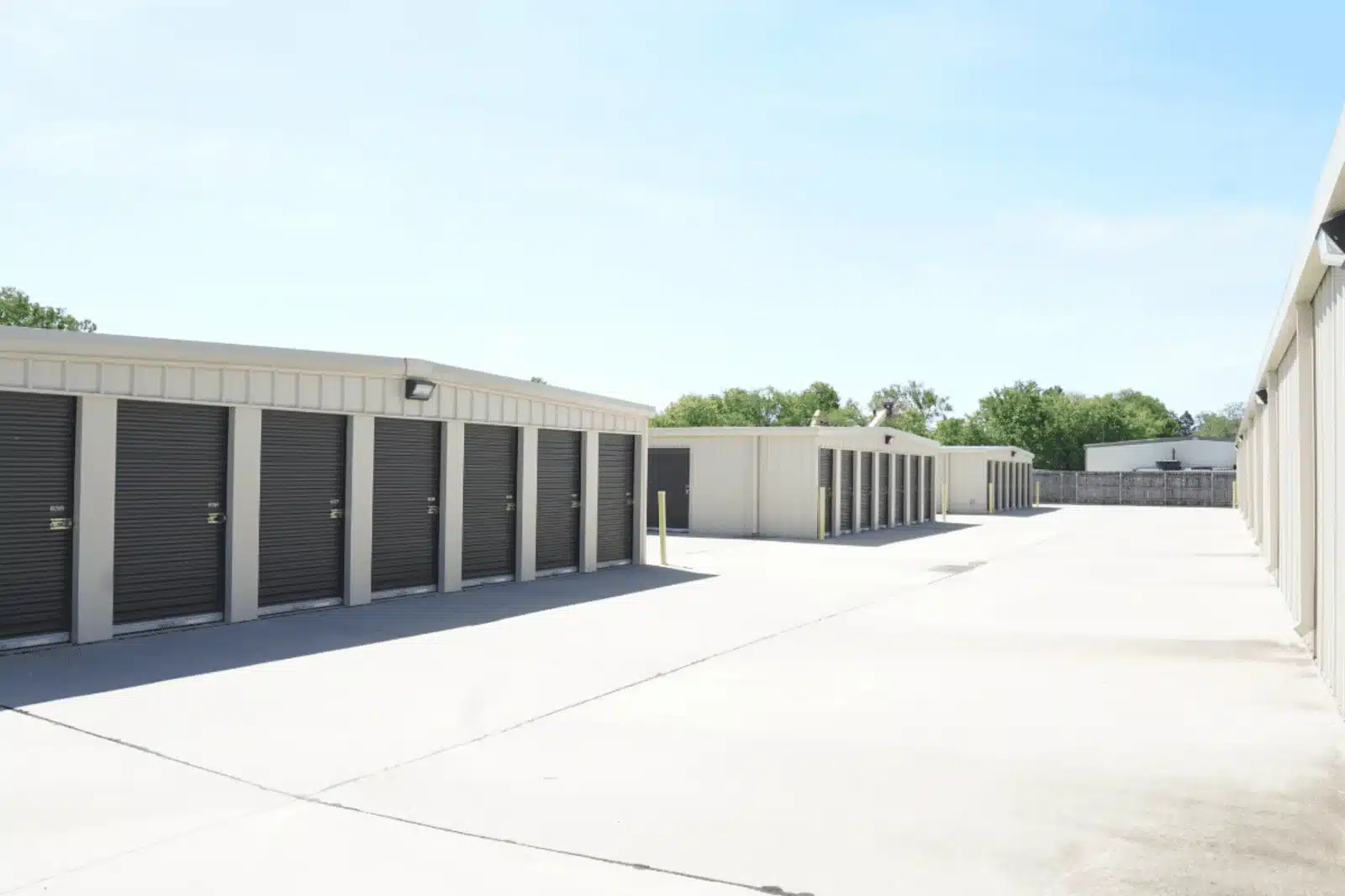
Not every self-storage facility is ideal for preserving paper records over long periods. When you compare commercial storage units in Catoosa for long-term document retention, look for specific features designed to protect physical media, and ask the right questions about legal record archive storage in Catoosa before you commit.
Climate Control Infrastructure
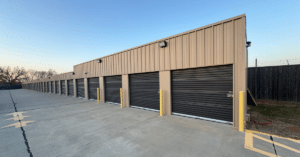
A standard exterior drive-up unit goes through temperature and humidity changes throughout the year. Climate-controlled units typically use HVAC to keep the interior atmosphere more consistent, and ask what the facility actually maintains. A steadier environment helps keep paper fibers from swelling and reduces the risk of heat-related embrittlement.
Multi-Tiered Security and Access Control
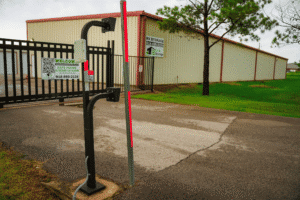
Your business archive holds confidential client files. They may contain personally identifiable information (PII), payroll details, proprietary financial accounts, and more. If you’re keeping these documents offsite, make sure the facility offers gated perimeter fencing with electronic keypad access that requires individual user codes. Surveillance cameras are a valuable addition.
Storing boxes in interior hallway units adds a secondary physical barrier compared to exterior drive-up doors, and it protects files from wind, rain, dirt, and dust during transfer. Look for systems that record timestamps whenever an access code is used at entry gates or building doors.
Structural Design and Building Layout
When you choose the size and dimensions of a unit, consider the layout. It should accommodate heavy-duty shelving and keep clear interior access paths. For smaller archive inventories, we suggest a standard 5×10 or 10×10 climate-controlled unit, and our storage size guide can help you picture what fits.
Best Practices for Packing and Organizing Physical Archives
If you need solid business record protection in Catoosa, Oklahoma, a climate-controlled unit is only the first step. How you pack, label, index, and organize your containers inside the unit matters too. Your practices determine whether files stay structurally sound over a long period and whether they’re easy to find when an audit or legal inquiry arrives.
- Use heavy-duty bankers boxes: Choose double-walled corrugated boxes (10″ x 12″ x 15″) rather than oversized or mismatched containers, which are harder to shelve and lift safely. Standard bankers boxes have reinforced bottoms and built-in hand holes, so staff can lift and stack them safely.
- Use standardized box identifiers: Give every box a unique master tracking code (such as BOX-2026-001). Clearly mark at least two sides of each box with its Box ID, department, general contents, and scheduled review or destruction date. Don’t write sensitive client names or confidential file details on the outside of the box.
- Maintain a digital master index: Build a cloud-hosted spreadsheet or database detailing the folder-level contents of every Box ID. When an employee needs a specific record, the index reveals the exact Box ID before anyone travels to the unit, which eliminates box-by-box searches.
- Install freestanding steel shelving: Avoid stacking cardboard boxes in tall piles, since the bottom boxes can crush over time. Instead:
- Use freestanding steel shelving units that support box weight independently.
- Raise the lowest shelf at least 2 to 4 inches off the concrete floor with solid shelf bases or plastic pallets.
- Maintain walkway clearances: Arrange shelving to leave a central aisle at least 3 feet wide, so staff can walk safely and retrieve specific boxes without unstacking piles.
Emergency Access, Chain of Custody, and Retention Purges
Your offsite record storage should fit into your company’s broader disaster recovery, data privacy, and records management policies.
Chain-of-Custody and Access Logging
Limit physical keys and security access codes to authorized personnel, and keep an internal physical or digital log that records:
- The name of the employee visiting the facility
- The date and time of entry and exit
- The specific Box IDs or individual folders removed or returned
Strict chain-of-custody practices help keep confidential employee and client files secure and support compliance with privacy standards like HIPAA, FACTA, and state data privacy rules.
Hybrid Document Management
Physical storage works best alongside a digital document workflow:
- Active files: Keep frequently accessed operational files digitized on secure cloud servers or a local document management system.
- Inactive archives: Move original paper copies, signed deeds, notarized contracts, executed corporate agreements, and historical financial ledgers to offsite storage.
- Scan-on-demand workflow: When an archived file is needed, an authorized staff member retrieves the box, scans the specific document, uploads it to the secure network, and returns the original to its shelf.
Scheduled Annual Retention Purges
Keeping files past their statutory requirement increases storage fees and leaves unnecessary records exposed to legal discovery. Documents retained past mandatory windows must still be produced if subpoenaed during litigation.
Schedule an annual compliance review of your digital master index. Identify boxes that have passed their retention end-dates, consult legal counsel, and arrange certified professional shredding. Once the records are destroyed, file the Certificate of Destruction in your master compliance file.
Getting Your Archive Out of the Office
Reclaiming office floor space starts with an audit of your current file closets and basement shelves. Count your bankers boxes, identify department owners, and separate permanent records from files nearing their retention end-dates.
Create your digital index by assigning a unique Box ID to every container, and log the contents and departments in a central spreadsheet before moving anything into your archive unit. Choose a secure, climate-controlled unit and set up access protocols to keep everything protected.
Ready to reclaim office space and organize your company’s physical archives? Review unit dimensions and available climate-controlled features with Click Storage in Catoosa to find business storage options suited to local record preservation.
FAQs
Is climate control necessary for storing business files in Catoosa?
In most cases, yes. Oklahoma’s high summer humidity and rapid seasonal temperature changes create conditions that promote mold growth, paper swelling, and thermal breakdown in unconditioned spaces. Climate-controlled storage helps regulate interior conditions to protect paper fibers and legibility over long periods.
How high can I safely stack bankers boxes in a storage unit?
Avoid stacking cardboard bankers boxes more than 4 or 5 high without support. Over time, heavy upper boxes crush the lower ones and damage the files inside. Freestanding steel shelving is the safest way to use vertical space without structural box failure.
Can our company store confidential medical records or HR files offsite?
Possibly, but check your obligations first. Privacy rules like HIPAA require reasonable physical safeguards for protected records, so confirm with your compliance counsel before moving medical or HR files offsite. A secure facility with electronic gate access, continuous video recording, interior corridor units, and strong locks helps, and access keys and codes should be limited to authorized personnel.
How do we locate a single file among dozens of archived boxes?
Maintain a digital master index, such as a cloud spreadsheet, that logs every unique Box ID alongside a list of its folder contents, department owner, and retention end-date. Label two sides of each box with its Box ID, so staff can find the exact container as soon as they enter the unit.
What is the correct procedure for disposing of business records past their retention window?
Review your master index annually with legal counsel or an accountant. Once records reach the end of their required retention period, arrange certified, professional paper shredding instead of using standard trash or recycling bins. Keep the resulting Certificate of Destruction with your compliance records.